Feature 2026 · Geofencing Android app
Geofencing Android app: monitor location zones automatically
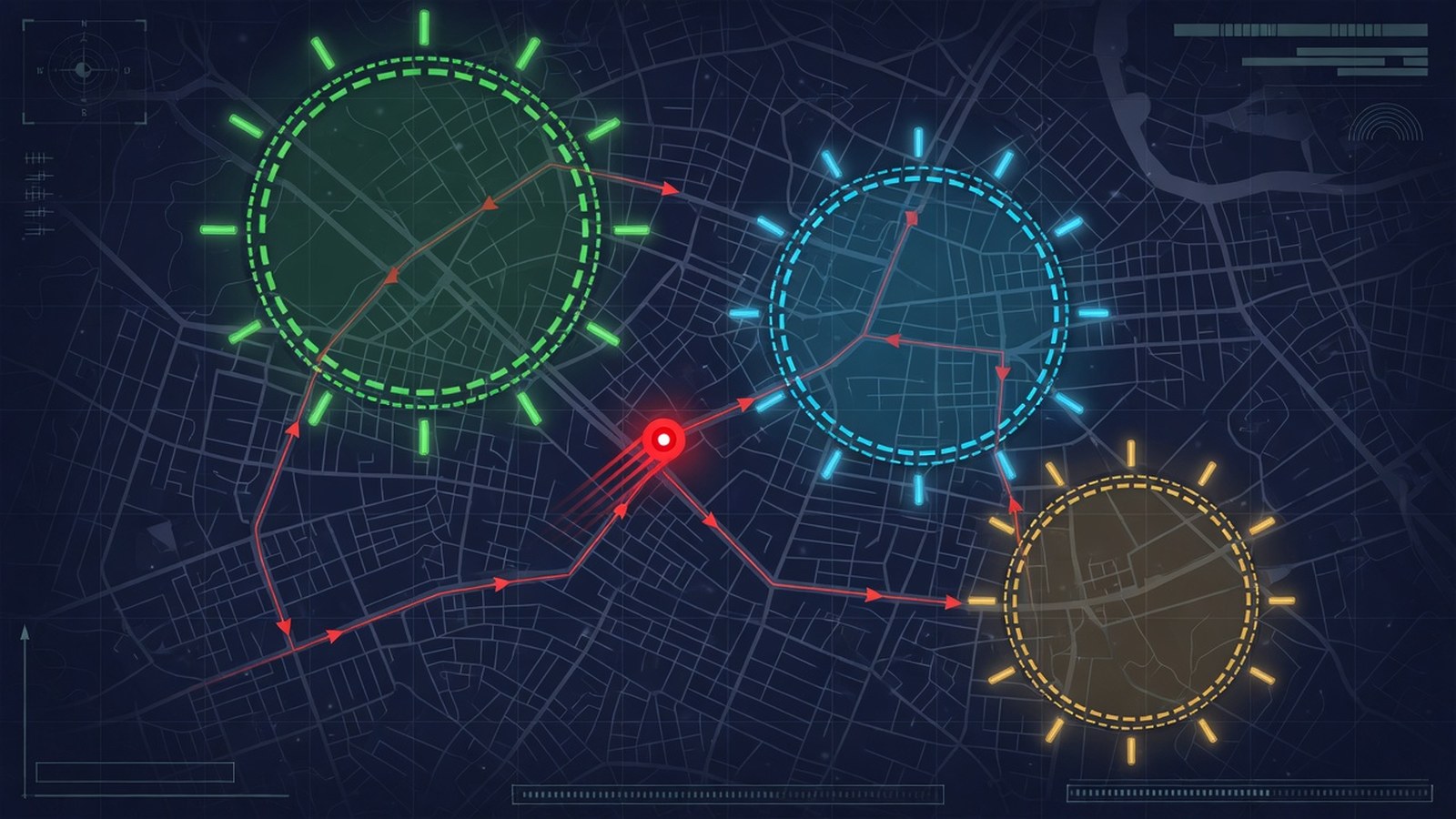
Geofencing Android app — how geofencing works with Stalkerware in everyday use: Android agent, web dashboard, clear permissions. This guide separates marketing from what is realistically possible on stock Android 12–15.
Legal: Only your own / authorized devices. No instructions for covert monitoring of third parties.
What geofencing does
In the Stalkerware dashboard you control geofencing per device. Data is tied to the creator account (multi-tenant), not “to the hardware alone”. This prevents mixing when the same Android ID is paired elsewhere later.
- Fresh timestamps instead of sticky online flags
- Permissions only as far as the plan (Starter ≠ Family)
- OEM battery as the main killer of empty dashboards
Setup
- Family plan if live/advanced modules are needed
- Matching APK + pairing code
- Confirm system dialogs (e.g. MediaProjection for screen)
- Wait 2–5 minutes, then hard-refresh the dashboard
Setup guide: Set up a monitoring app.
Stability tips 2026
- Xiaomi/Oppo/Vivo: autostart + background
- Samsung: not in sleeping apps
- Location Always + precise
- Check the heartbeat again after reboot
Limits without root
Stock Android allows a lot through permissions and services — but no magic E2E decryption of third-party messengers. Details: Monitoring app without root.
Cluster: mSpy Alternative · Snoopza Alternative · FlexiSPY Alternative.
FAQ
Is Stalkerware a good Geofencing Android app?
Yes, for users who want pairing clarity, weekly plans and an EU-focused dashboard. Geofencing remains an established option for many.
Do I need root?
For core GPS and typical logs, usually no. Deep features depend on the plan and the permissions granted.
How long until the first location?
With correct permissions, often under five minutes; OEM battery and location “Always” are decisive.
Is it legal to use?
Only on your own devices or with a documented legal basis. Covert monitoring of third parties is illegal.
Try Stalkerware location tracking for 7 days — pairing code, dashboard, clear plans.
Get started SpyX AlternativeUpdated: 2026-08-05 · Privacy · Legal notice